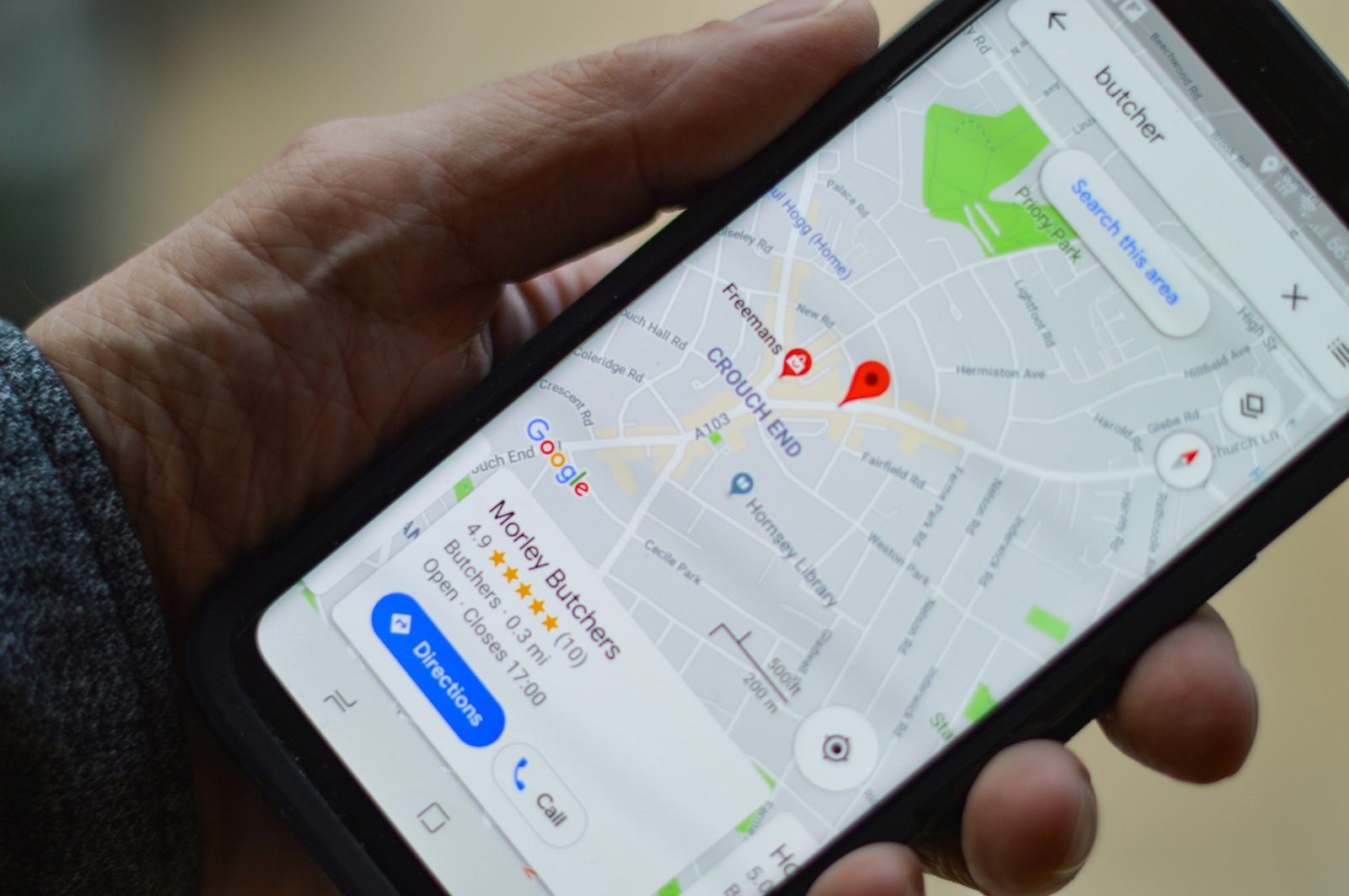
Getting your small business on Google Maps is the single highest-ROI thing you can do for local marketing in 2026. The top 3 Maps results get 70% of clicks. Pages 2+ get essentially nothing. Here is the exact step-by-step guide to get there.
Why Google Maps matters more than your website
For local service businesses, Google Maps is where 70% of customer clicks happen. Someone searches plumber near me on their phone, Google shows the 3-pack at the top, they tap one. That is the entire customer journey in 8 seconds.
Your beautiful website ranks on page 1 of Google? Great. But if you are not in the Maps 3-pack, you lose 70% of the traffic to whoever IS there. This is why Google Business Profile (your Maps listing) matters more than your website for most service businesses.
Step 1: Claim your Google Business Profile
Go to google.com/business and sign in with the Gmail account you want to manage your listing from. If your business already shows up on Google (most do, even without you knowing), you will see a Claim this business button. Click it.
Google will ask you to verify ownership. They send a postcard to your business address with a 5-digit code, or for some categories they offer phone or video verification. Postcards take 5 to 14 days. Phone verification is instant if available.
Important: do not skip verification. An unverified profile shows up at the bottom of Maps and converts at half the rate of a verified one.
Step 2: Fill out 100% of your profile
Most businesses fill out 30% of the fields and wonder why they do not rank. The businesses ranking in the top 3 fill out everything. This is the difference. Here is the full checklist:
- Business name (exact legal name, no keyword stuffing like Joe Plumber, Inc. Best Plumbing in Austin)
- Primary category (most important field, pick the most specific one that matches your business)
- Secondary categories (add 3-5 more, all relevant)
- Full address (must match what is on your website exactly)
- Service area (cities you serve, even if you have no storefront)
- Phone number (local number, same as on your website)
- Website URL (with https://)
- Hours (every day, including holidays - update for closures)
- Services list (list every service you offer with descriptions)
- Products list (if applicable)
- Attributes (wheelchair accessible, free wifi, etc.)
- Business description (750 characters, include your top 3 service keywords)
- 20+ photos minimum (exterior, interior, team, work in progress, finished jobs)
- Logo (square, professional)
- Cover photo (high quality, represents your business)
Step 3: Get reviews. A lot of them.
Review count and rating are the #1 ranking factor for Google Maps. Period. A business with 73 reviews at 4.6 stars beats one with 12 reviews at 4.9 stars every time in the Maps algorithm.
How to get reviews fast:
- Send a text or email 24 hours after every completed job with a direct link to your review page
- Make the link short and easy: g.page/r/YOUR-LINK or use a QR code on receipts
- Ask in person at the end of every job: Would you mind leaving us a quick Google review?
- Respond to every review within 24 hours, positive AND negative
- Aim for 5-10 new reviews per month minimum. More if you can
- Never buy reviews. Google detects this and will deindex your listing
Step 4: Post weekly Google Business Profile updates
Most businesses set up their Google Business Profile and never touch it again. Google rewards active profiles. The businesses ranking in the top 3 post weekly.
What to post:
- Photos of recent jobs (with brief captions)
- Customer testimonials (with permission)
- Special offers or seasonal promotions
- New service announcements
- Behind-the-scenes content
- Answers to common customer questions
Step 5: Build local citations
Citations are mentions of your business name, address, and phone number on other websites. Google uses these as a trust signal. The more consistent citations you have across the web, the more Google trusts your business is real and legitimate.
Submit your business to these 10 citation sources first:
- Google Business Profile (already done in step 1)
- Bing Places for Business
- Apple Maps Connect
- Facebook Business Page
- Yelp
- Better Business Bureau (BBB)
- Yellow Pages
- Foursquare
- TomTom
- Industry-specific directories (HomeAdvisor for home services, Healthgrades for medical, Avvo for legal, etc.)
Step 6: Optimize your website for local search
Your website still matters for Maps rankings. Google checks if your business name, address, and phone number on your site match your Google Business Profile exactly. If they do not match, Google penalizes you.
Make sure your website has:
- Your business name, address, and phone number in the footer of every page
- A dedicated contact page with embedded Google Maps
- Schema.org LocalBusiness markup
- Mobile-friendly design (50%+ of Maps searches are mobile)
- Fast loading speed (under 3 seconds)
- HTTPS (secure connection)
- Service area pages if you serve multiple cities
Step 7: Track and improve every month
Google Business Profile gives you free analytics. Check them monthly:
Searches: how many people searched for your business directly vs. discovered you. Discovery searches should be 70%+ of your traffic. If they are not, you need more SEO.
Customer actions: calls, website visits, direction requests. Track which months are up and which are down. Calls trending down? Your ranking is slipping.
Photos viewed: businesses with more photo views get more bookings. Add new photos every month.
How long until you rank on Google Maps?
Realistic timeline for a new local business doing the work consistently:
- Week 1: Profile verified, basics filled out. You will not rank yet.
- Month 1: Profile fully optimized, 5-10 reviews collected. You start appearing for some long-tail searches.
- Month 2-3: 20+ reviews, weekly posts, 10+ citations. You appear in the top 10 for your main service in your city.
- Month 4-6: 40+ reviews, consistent activity. Top 3 of Maps for your main service.
- Month 7-12: Dominant local presence. You are the answer when people search your service plus your city.
What if you need help with all of this?
Most small business owners do not have 10 hours per week to spend on Google Maps optimization. That is what Visible Online does. We handle Google Business Profile setup, optimization, review generation systems, citations, and weekly posting for you.
Get Leads ($999 one-time) sets up everything in this guide for you. Stay Visible ($199/month) keeps it running and adds monthly content + ranking improvements.
Want help putting this into practice?
We work with service businesses on exactly this kind of work. No long contracts, no jargon.
Get in touch