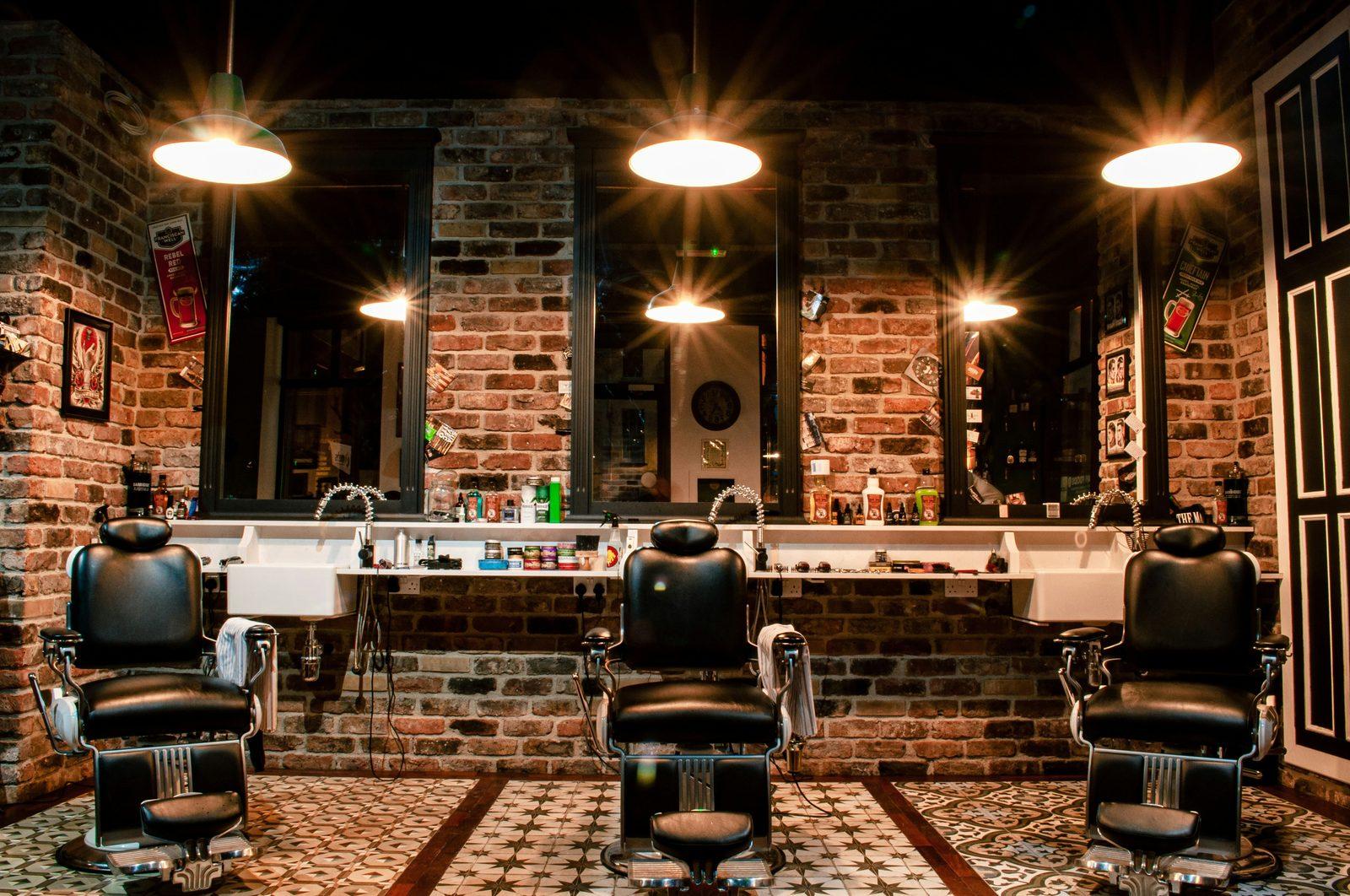
Most barbershops still take bookings on paper or by phone. That's leaving money on the floor every single day. Here's how to set up a booking system that pays for itself in week one, and the exact tools to use.
Why paper books and phone bookings are costing you money
If your barbershop takes bookings only by phone or walk-in, you're losing customers every single day. Here's why: about 40% of barbershop bookings now happen between 9pm and 8am. After hours. When you're not answering the phone.
A potential customer thinks 'I need a haircut next week' at 10:30pm. They check Google. The shop down the street has online booking. They tap a button, pick a time, done. Your shop has 'Call (555) 123-4567'. They don't call at 10:30pm. They book the other place.
Multiply that across 365 days and the loss is enormous. A shop with 4 chairs and a typical price point loses $30,000 to $80,000 per year in foregone bookings just from not offering online scheduling. The fix takes a week to set up.
The four booking systems worth using
You don't need a custom solution. Several mature platforms handle this well:
- Booksy: Most popular for barbershops specifically. $30 to $80 per month per chair. Strong mobile app, customers can rebook in 2 taps.
- Square Appointments: $30 to $60 per month per chair. Best if you also use Square for payments, because it integrates easily.
- Schedulicity: $35 to $50 per month flat (not per chair). Best value if you have 3+ chairs. Less polished but functional.
- Acuity Scheduling: $20 to $50 per month. Best for shops that want maximum customization. Slightly steeper learning curve.
How to actually set it up in a week
Most barbershops overthink this. The setup is straightforward:
- Day 1: Sign up for one of the platforms above. Pick based on what your competitors use and what you find easiest to use.
- Day 2: Set up your services and prices. Each cut as a separate service with its duration. Include any add-ons (beard trim, hot towel, etc).
- Day 3: Set up your staff (or just yourself) and individual schedules. Block out your existing standing appointments so nothing double-books.
- Day 4: Set your booking rules. How far in advance can people book (typically 30 to 60 days). How late can they cancel (typically 12 to 24 hours). Whether you require a deposit (we recommend yes for first-time customers).
- Day 5: Add the booking link to your Google Business Profile, your Instagram bio, and your website. This is where most shops drop the ball, they set up the system and then bury the link.
The features that actually matter
Skip the bells and whistles. These five features are what move the needle:
- Mobile-first booking. 70%+ of bookings happen on phones. If the booking flow takes more than 60 seconds on mobile, you'll lose half the customers who try to book.
- Automated text reminders. Send 24 hours before and 2 hours before. Reduces no-shows by 50 to 70%.
- Easy rebooking. The customer should be able to book their next appointment in 2 taps. Most platforms support this but only if you set it up.
- Direct cash deposit collection. For first-time customers especially. $10 to $20 deposit reduces no-shows to almost zero.
- Google Business Profile integration. Booksy and Square both integrate so customers can book directly from your Google listing without leaving Google Search.
The features that don't matter (and you can skip)
Most platforms try to sell you on stuff you don't need:
- Multi-location support. Skip unless you actually have multiple locations.
- Loyalty programs built into the booking app. Skip. Use a separate loyalty system if you want one.
- Email marketing automation. Skip. Use Mailchimp or a separate tool if you want this.
- Custom branded apps. Skip. Customers won't download an app for one barbershop. Web booking is fine.
- POS integration. Only matters if you want to use the same platform for taking payments. Otherwise skip.
The first-week launch checklist
Once your booking system is live, you need to actually promote it. Most shops set it up and then never tell anyone. Here's what to do in the first week:
- Update your Google Business Profile to include the booking link as a primary action button. Customers searching for you on Google will see it first.
- Update your Instagram bio with the booking link. Put 'Book online' as the first line.
- Post on Instagram once explaining you now have online booking. Include a screenshot of the booking flow.
- Train staff to mention online booking to every customer at checkout. 'You can book your next one right now from your phone in 30 seconds.'
- Print small cards with the booking URL and a QR code. Place at the cash desk and hand to customers as they leave.
What to expect in the first 90 days
Typical pattern for a 4-chair barbershop adding online booking:
- Week 1: 5 to 15% of bookings shift online. Most customers don't know yet.
- Week 4: 25 to 35% of bookings online. The shift is faster than most owners expect.
- Week 8: 40 to 55% of bookings online. Phone bookings start to drop noticeably.
- Week 12: 50 to 65% of bookings online. Total bookings up 15 to 30% from baseline because you're capturing the after-hours demand you used to lose.
The boring math
If your shop currently does 60 bookings per week at $40 average, you're at $2,400 per week. Adding online booking typically lifts total bookings 20 to 30% within 3 months. That's $480 to $720 per week of new revenue. Over a year, $25,000 to $37,000.
Cost: $30 to $80 per month per chair. For a 4-chair shop, that's $1,500 to $3,800 per year. Net gain: $20,000 to $35,000 per year for one week of setup work.
It's one of the highest-ROI changes any service business can make. There's no excuse for not having it in 2026.
Want help putting this into practice?
We work with service businesses on exactly this kind of work. No long contracts, no jargon.
Get in touch